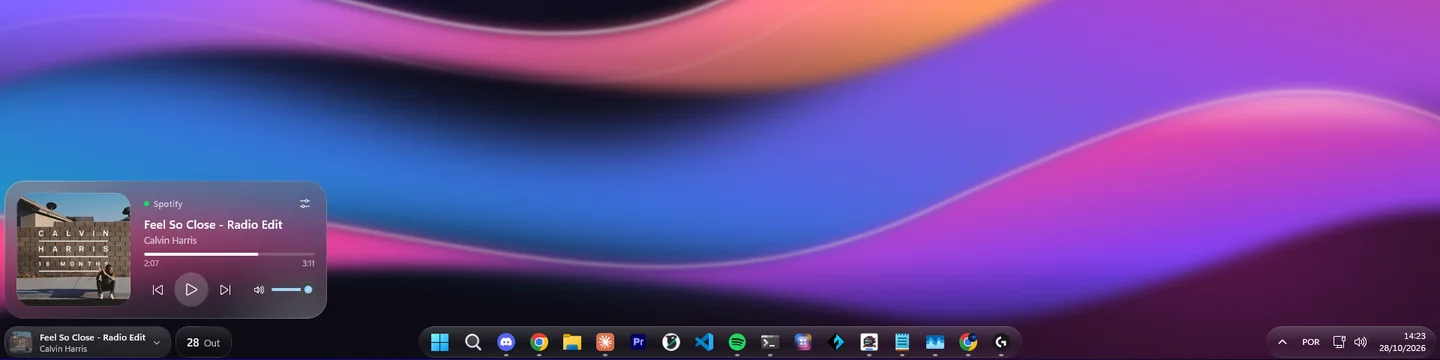
The taskbar floats over your wallpaper.
Widgets on the left, apps in the middle and the tray on the right, each group in its own glass pill, with adjustable corners, shine and light rim. On one monitor or all of them.
 WinGlass
The taskbar, the Start menu and the system flyouts get real glass, and the widgets flow out of the taskbar like liquid. Just install it and you're done.
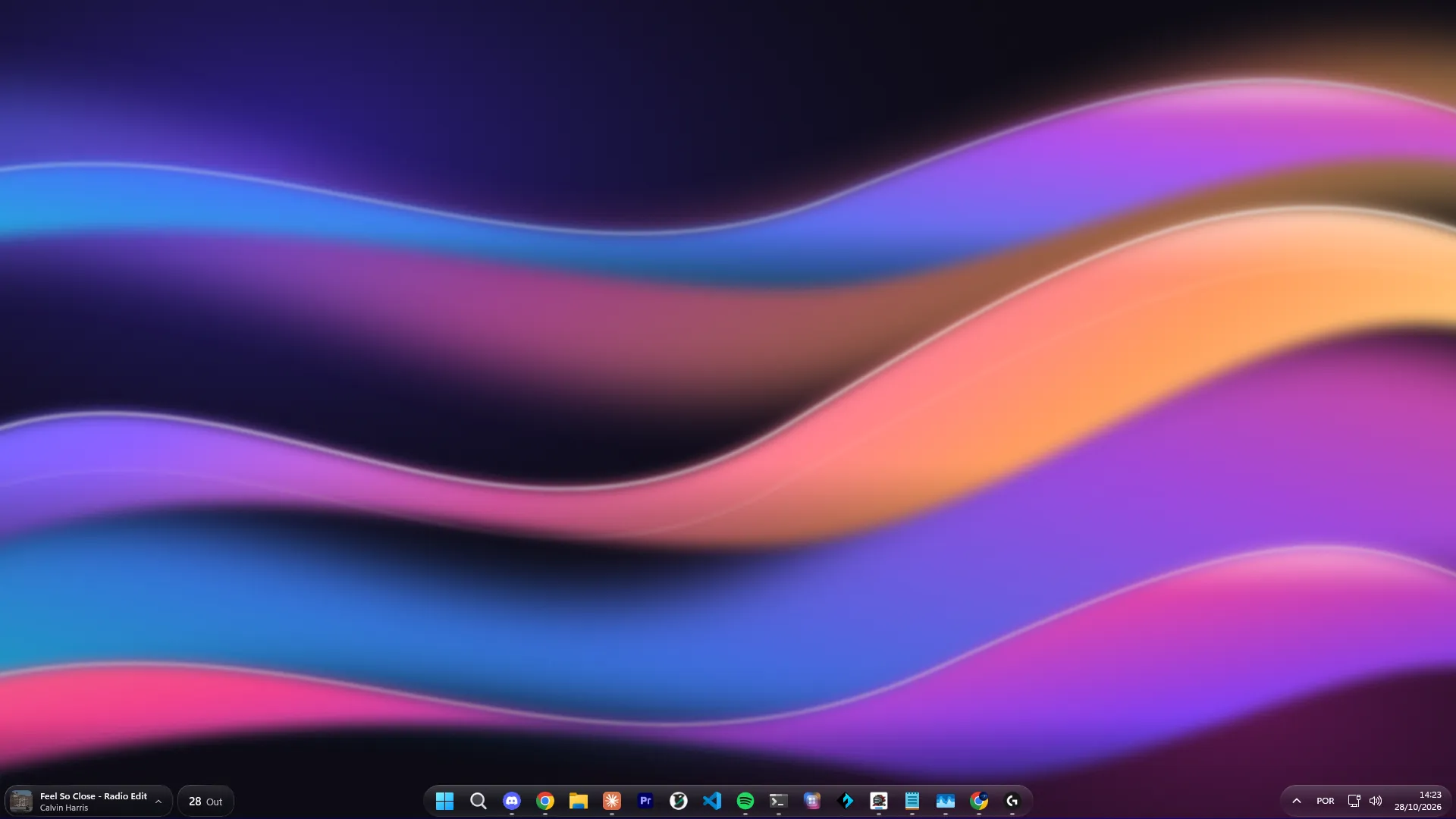
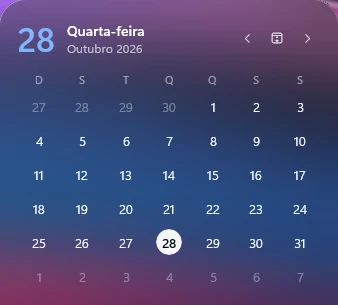
The effect is applied to Windows' own elements. It's not a dock on top or a fake menu: everything keeps working as always, just in glass.
Widgets on the left, apps in the middle and the tray on the right, each group in its own glass pill, with adjustable corners, shine and light rim. On one monitor or all of them.
The date on the taskbar, and the whole month with Google Calendar.
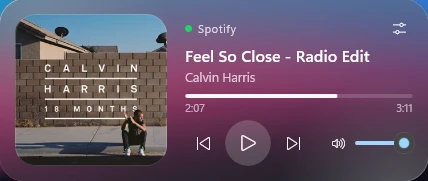
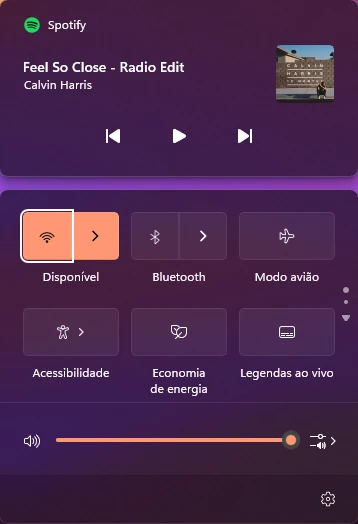
Cover art, controls, progress and volume of whatever is playing. Flip the card to set the volume of each open app.


The latest texts and images you copied live in a pill. One click pastes them back into the app you were using.
Just write: it saves by itself, on your computer.
Quick Settings, media, notifications and hidden icons.
Windows Terminal gets the same glass, so your code looks good too.
CPU, RAM, GPU, network and disk in one pill, you pick which. One tap opens the last minute in charts: every CPU core, the top memory users, VRAM, download and upload, and disk space.
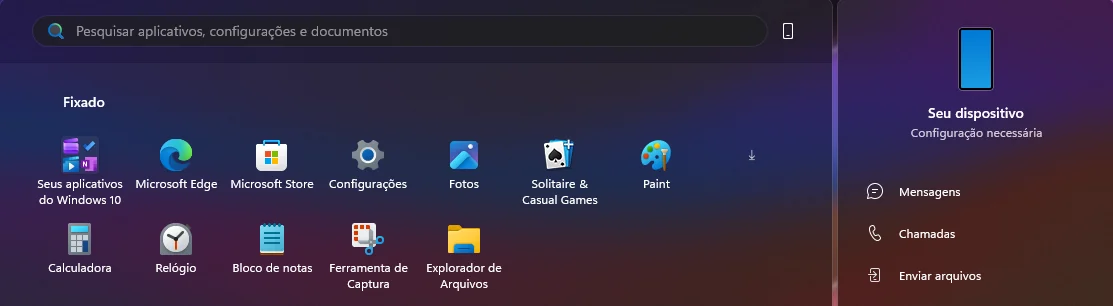
The same glass, the same tint and the same corners as the taskbar. Everything fits together.
Widgets don't just appear: the glass rises from the taskbar, breaks into drops and settles into the card. Tap again and it flows back into the pill.
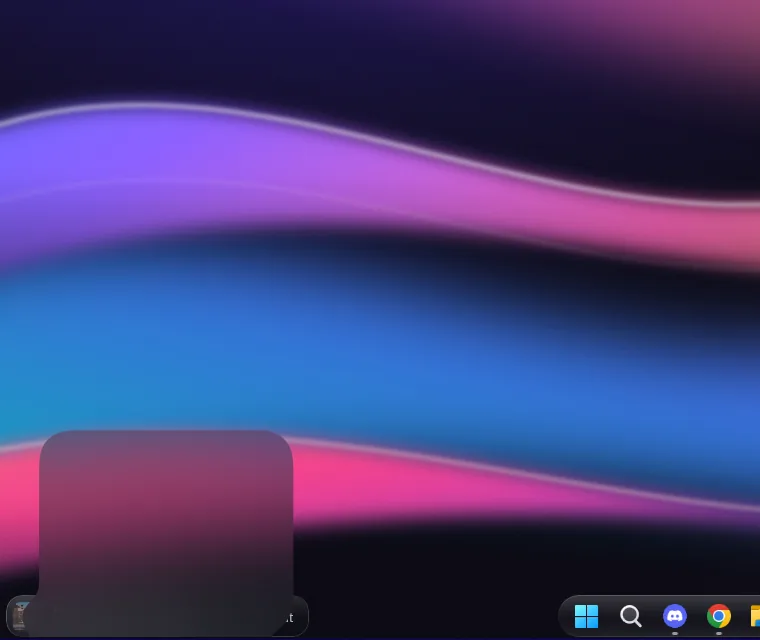
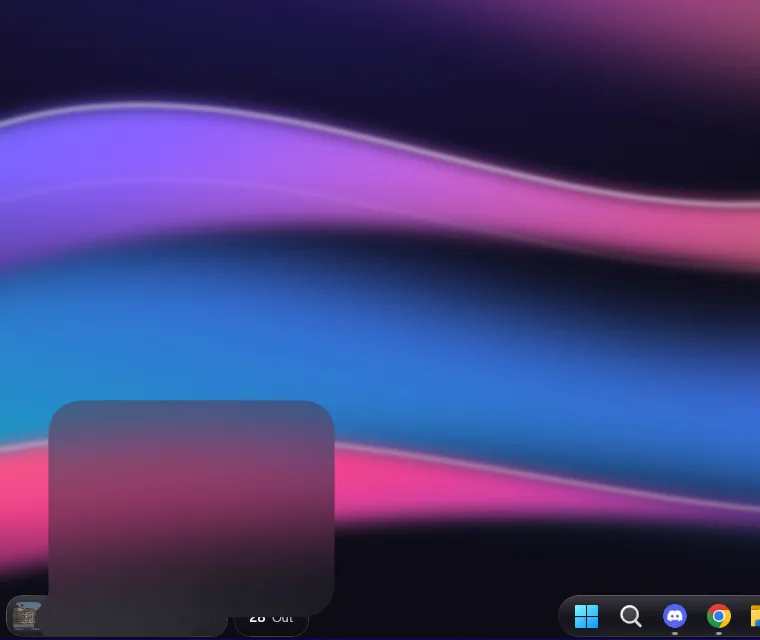
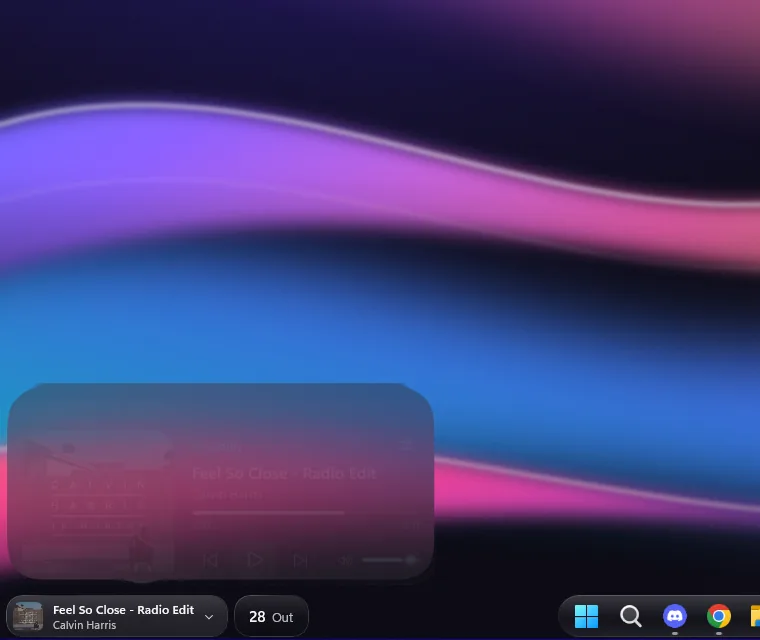
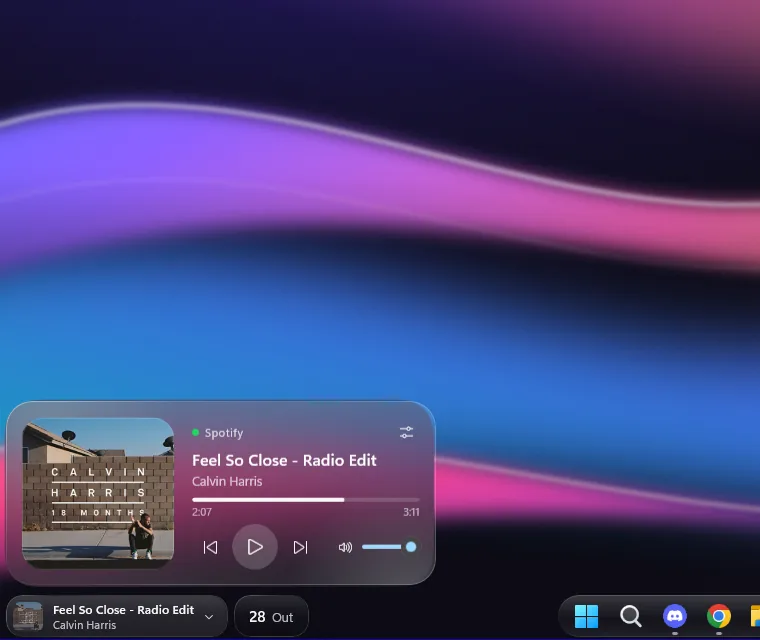
From clear glass with a sharp wallpaper to heavily frosted. Try it here: these are the same controls you get in the app.
Glass, tint and light change together.
It sits in the hidden icons, starts with Windows and reapplies the glass by itself when Explorer restarts. Turn it off or quit, and Windows goes back to its original look.
The calendar is optional. It only connects to Google when you click “Connect Google account”, and you sign in on Google's own page. WinGlass asks for read-only access and uses the data only to show the widget:
Events are kept in memory only. Nothing is sent to WinGlass servers (there are none), sold or shared. Disconnect whenever you want in the app or at myaccount.google.com/permissions. Details in the privacy policy.
Nothing. WinGlass is free on the Microsoft Store, with no ads and no in-app purchases.
No. WinGlass is made for Windows 11, which is where the taskbar, Start menu and flyouts it transforms live.
No. The glass is applied while the app is on. Turn it off or quit, and Windows goes back to exactly its original look. When you uninstall, Windows removes everything.
Yes. The widgets can show only on the main monitor, on all of them, or on a monitor you choose.
Only if you want to see your events in the calendar widget. Everything else works without any account.
No. It reads the same counters as Task Manager once per second, and the list of top memory users is only read while the card is open. Nothing leaves your PC.
No. The app has no servers, no telemetry and no ads. Settings, notes and clipboard history stay on your computer. Read the privacy policy.
Install in one click. If you don't like it, one click brings back the original look.